
copy-paste this prompt to write your welcome email in 5 minutes
get email subscribers while you sleep


Substack has 30+ ways to help readers discover your newsletter.
SEO
Notes
Referrals
Cross-posts
Recommendations
And more.
But none of them matter if your Substack can’t convert a visitor once they show up..
So before you spend a single second trying to grow your audience, you need to install this simple 3-part funnel that does the converting for you, on autopilot, 24/7.
And it only takes about an hour to set up.
Let’s break it down.
Part #1: The Welcome Pinned Post
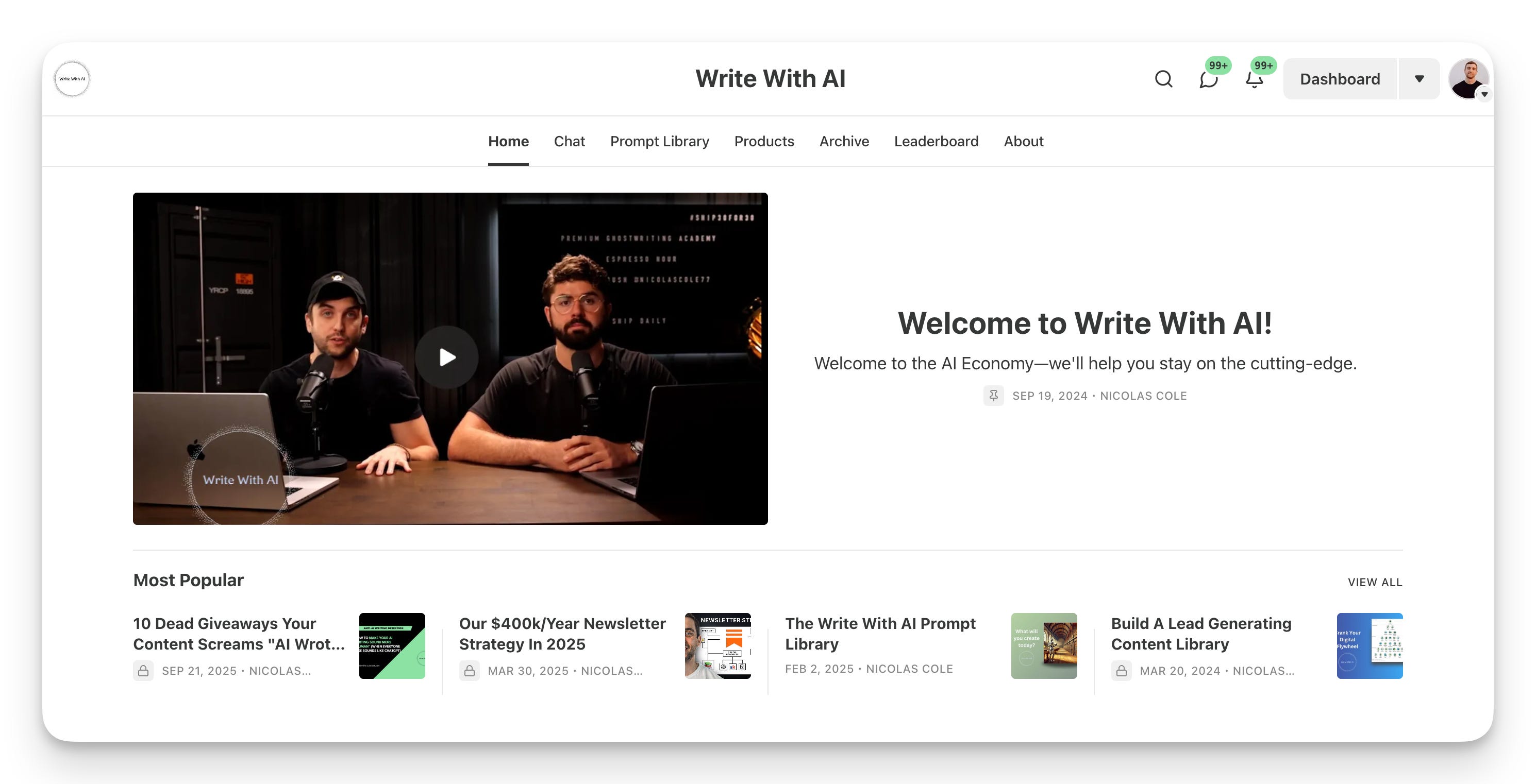
The first part of this funnel is your pinned post.
A pinned post is the first thing a new visitor sees when they land on your Substack homepage.
It’s designed to answer one question:
“Is this Substack for me?”
You can think of it like a Costco sample. They taste it. And if it’s good, they throw it in the cart.
On Write With AI, our pinned post gives new visitors an instant preview of what we’re about and what they’ll get every week. Plus we offer a free preview of some of our best prompts.
To pin a post: go to your Dashboard, then Posts, click the three dots (⋯) menu next to any post you want to pin and select “Pin to home page.” Done.
Part #2: The About Page
Here’s a little secret:
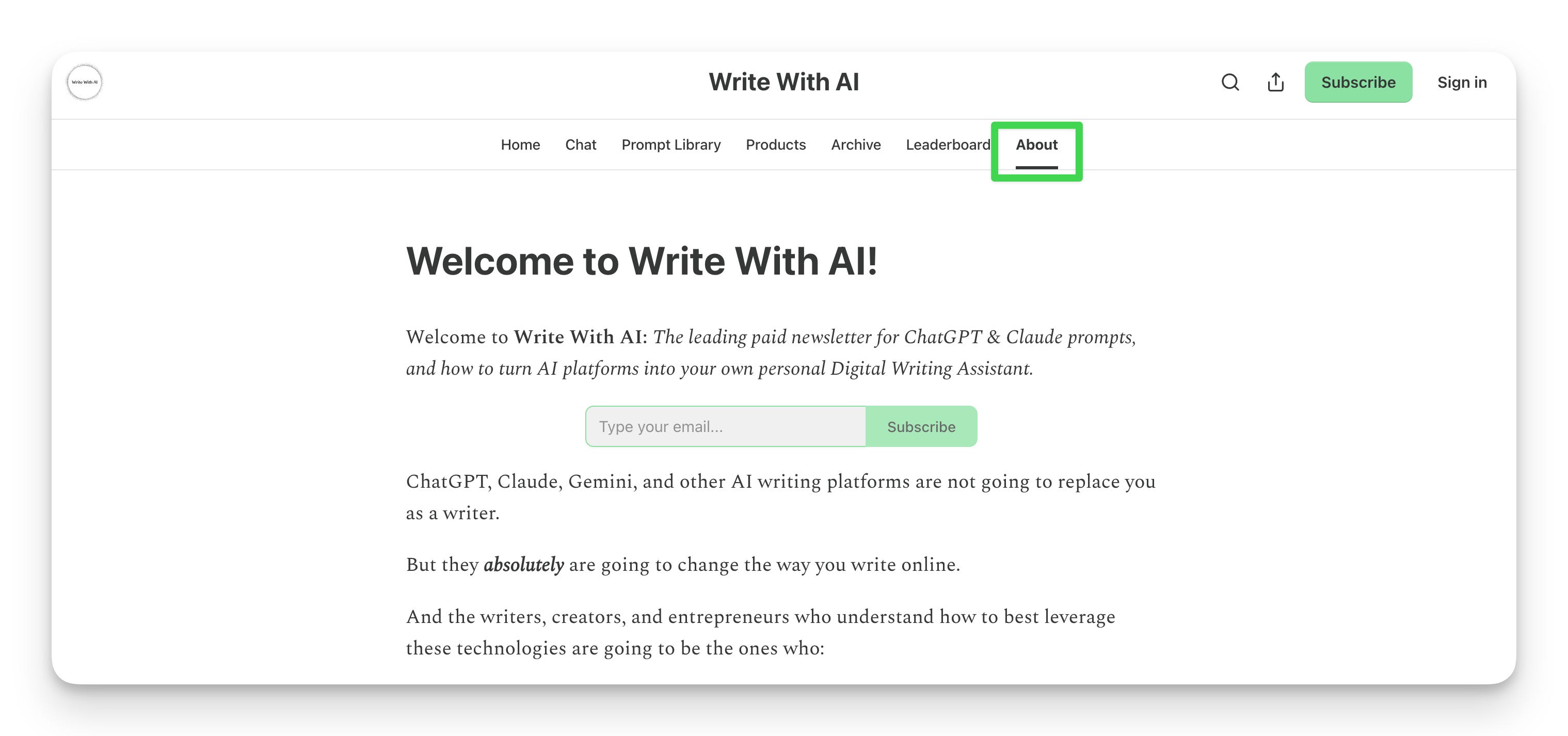
The About page and the Pinned Post should be the same thing.
Why?
Because a large percentage of your subscribers come from inside the Substack ecosystem. In our case, it’s around 60%.
Substack makes it incredibly easy for someone to subscribe. One click and they’re on your list.
That’s great for growth. But it also means people often subscribe without much context about what your publication is actually about.
They might have found you through:
A Note in the feed
Someone sharing one of your posts
Your profile page
A recommendation from another writer
Google or AI search results
In other words, most people don’t land on your newsletter the “traditional” way. They drop in from all sorts of discovery paths.
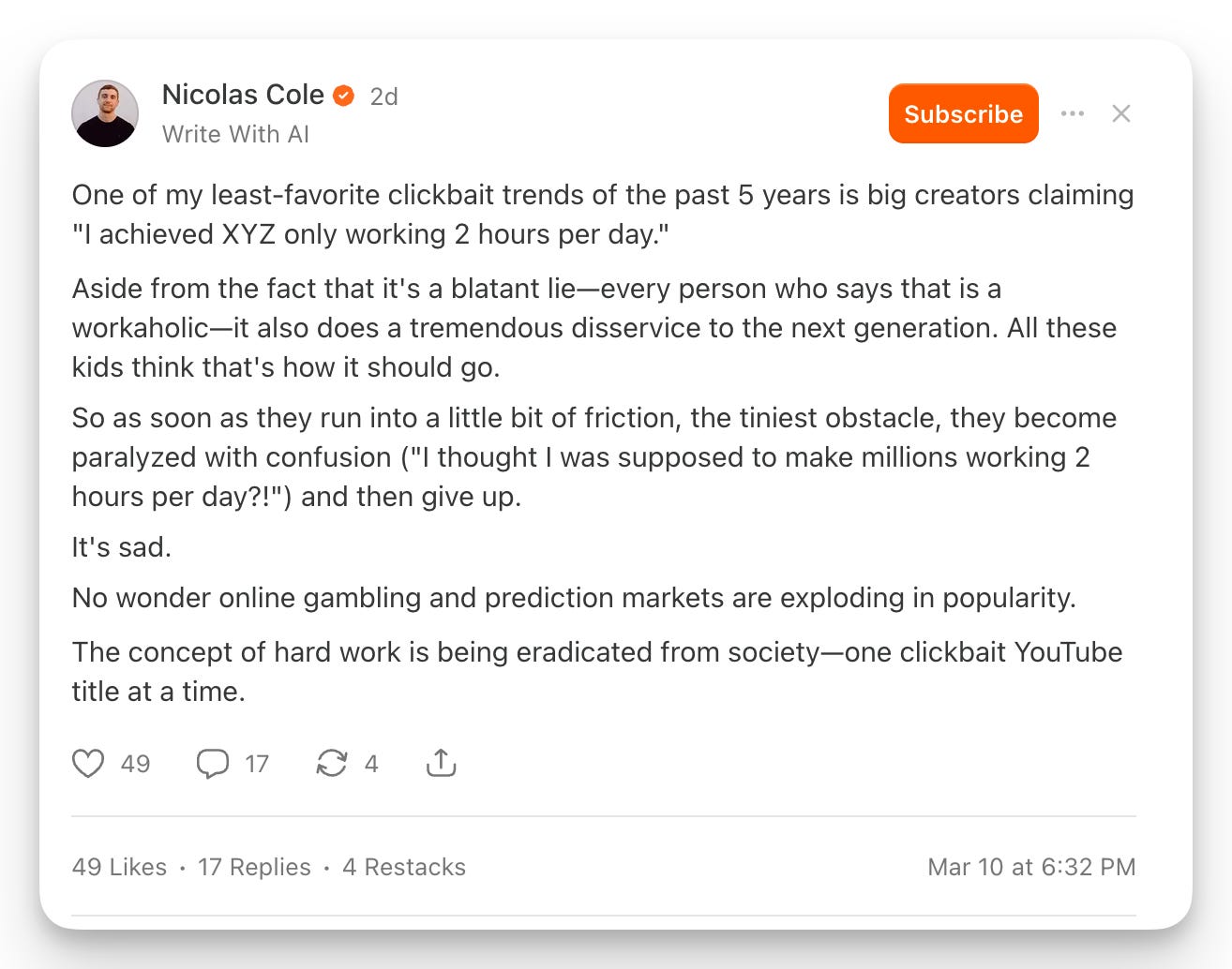
For example, notice how easy Substack makes it for someone to subscribe to your newsletter in their social feed.
Which is why you need to make it very easy for someone to understand your newsletter regardless of their entry point.
And two of the most common ones are you publication home page and your about page.
So we make them the same thing.
Part #3: The Welcome Email
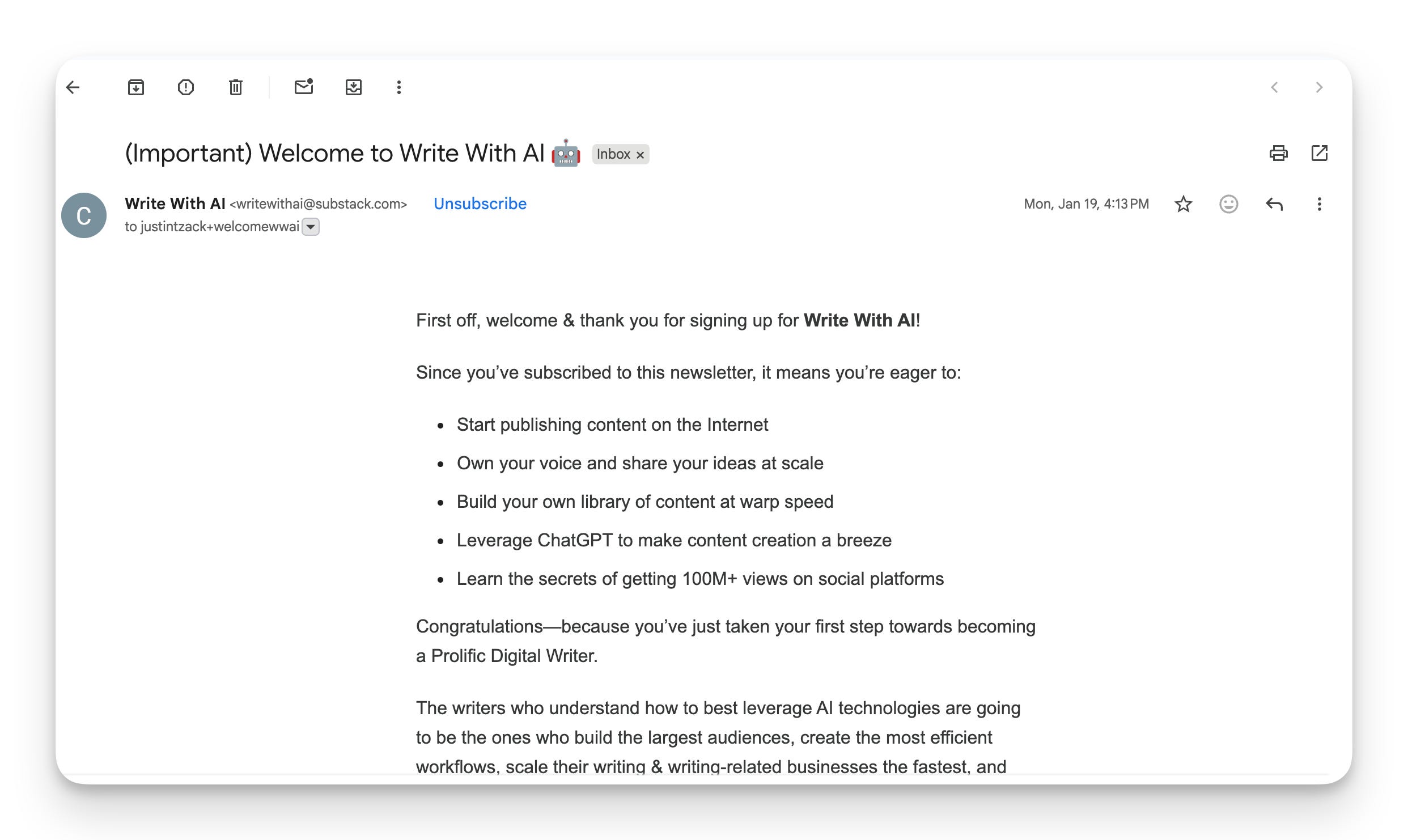
The last part in this 3-part funnel is your Welcome Email.
This is the single most important moment in your relationship with a new reader. They just gave you their email address. Woohoo! Congratulations!
They’re paying attention right now. And within 48 hours, they’re going to forget you exist—unless you give them a reason not to.
If you don’t change anything, Substack pre-loads your welcome email with a default:
“Thanks for subscribing! You’ll get new posts directly in your inbox. Check your spam”
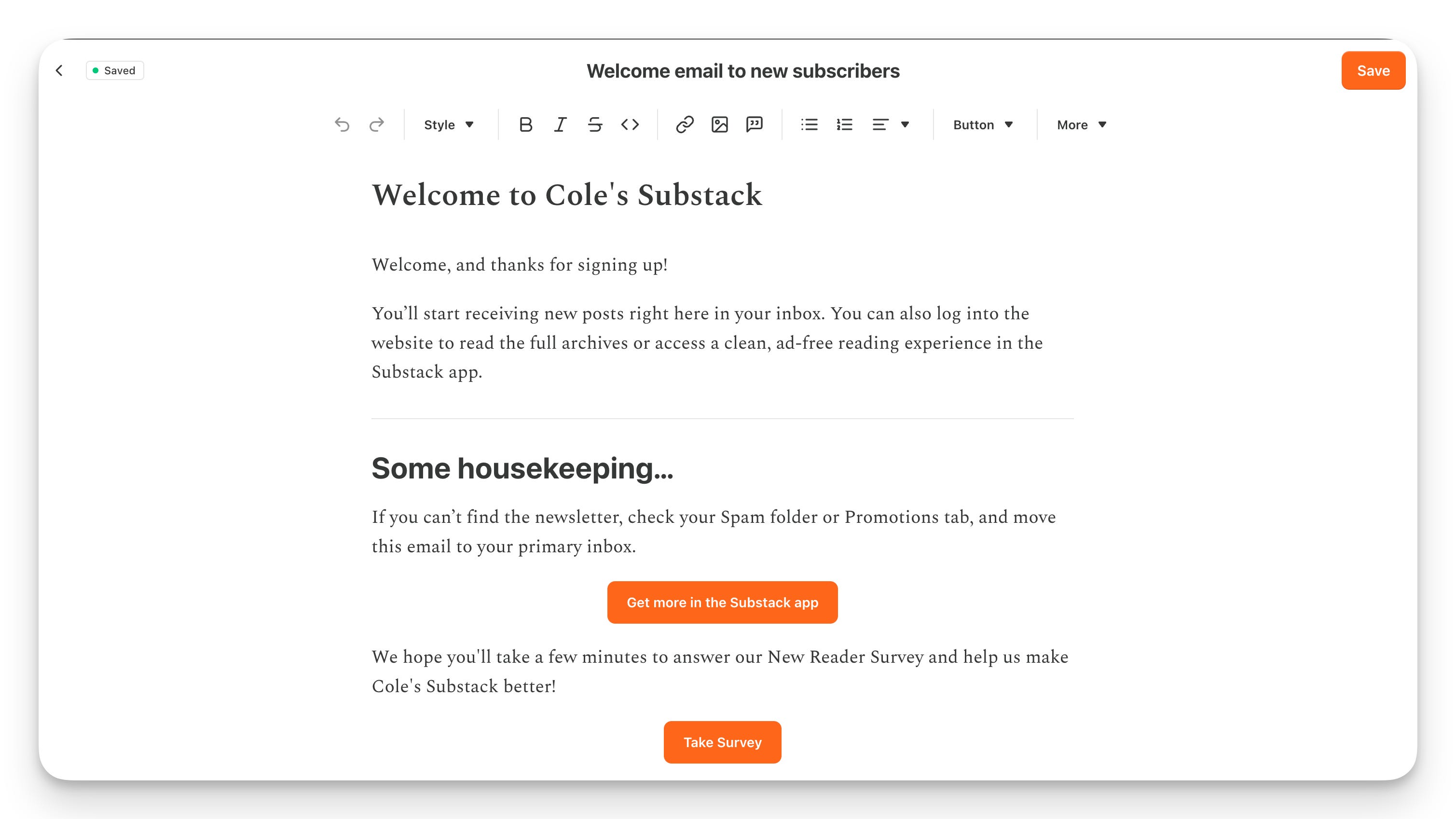
Let’s make it more specific:
Tell them what to expect.
Give them something valuable right now (link your 3 best posts, share a resource)
Ask them to do one thing (reply, click a link, answer a poll, etc.)
That one action trains Gmail that your emails are wanted, which keeps you out of the Promotions tab.
Set this up under Emails → Welcome email in your Substack settings.
Copy and paste the prompt below to instantly generate a warm, high-converting welcome email for your newsletter. 👇
