
Don't know what to write? Try this.


Yesterday I showed you how to use AI to analyze a brain dump and get your creative juices flowing.
But the hardest part of writing is starting.
“So, what do you do when your mind’s blank?”
Good question.
Here’s what I do:
I pull out my journal and write at the top of the page:
“Recently I’ve...”
Then I list 10 things I’ve recently done, experienced, tried, explored, learned, or noticed. Then I pick one. And write 250 words on it.
Each of these are incredibly unique & authentic experiences that AI cannot replicate
But even with this method, I still get stuck.
Which is why I trained Claude to pull ideas out of me.
Turn Claude Into Your “Recently I’ve” Co-writing Partner
When you’re trying to figure out what to write on your own, it’s easy to get stuck inside your own head.
You overlook what’s interesting because you’re too close to it. Everything feels obvious or boring.
But when someone asks you questions:
“What did you work on yesterday?”
“Why did you do it that way?”
“What made you decide that?”
Suddenly you’re explaining.
And when you explain, interesting things come bubbling out of your brain.
Questions give you direction when you’re stuck. They help you dig deeper than you would on your own. And they help you see what’s worth writing about before you waste time writing about the wrong thing.
This prompt helps you reverse engineer educational “thought-leadership” style content from your everyday life so you never run out of things to say.
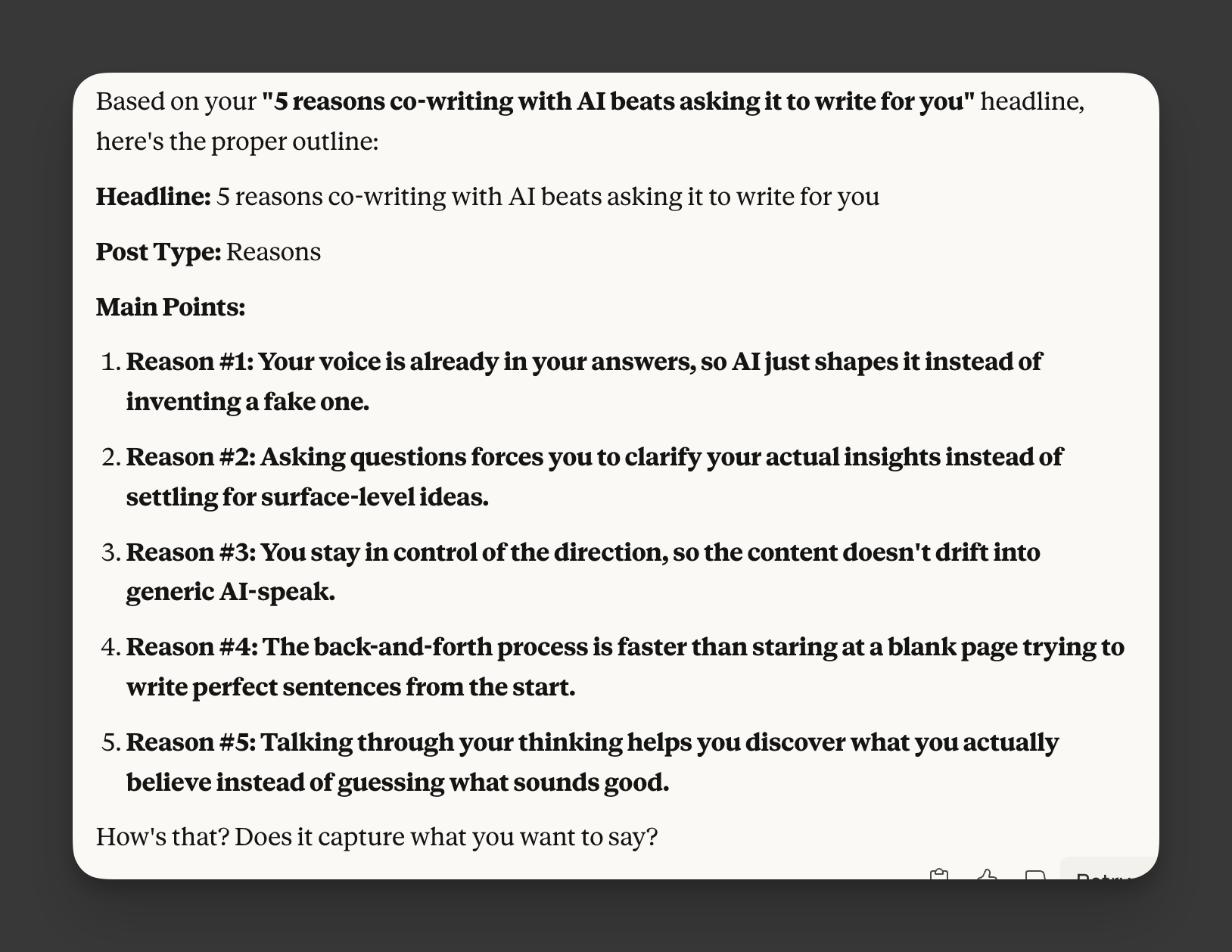
Here’s how it works:
Claude asks you what you worked on yesterday
Then it drills down with “why” and “how” questions to extract insights
Then it shows you who else would benefit from your experience
Then it generates 3-5 headline options for you
And finally, it helps you write the content in whatever form you choose
The beauty of this approach is you start with YOUR personal credibility.
And because you’re having a conversation instead of staring at a blank page, you bypass the “I don’t know what to write” problem completely.
Let me show you how to set this up for yourself in 4 easy steps.
Step 1: Create a new Claude Project
In case you’re not familiar, Claude Projects is a feature inside the Claude AI platform that lets you create a dedicated workspace (or “project”) for a specific task, topic, or workflow.
Inside your project, you can:
Upload documents, files, references that matter for your topic.
Set up custom instructions or “how you want Claude to behave”
Maintain your chat history, context, and knowledge base specific for the project.
This helps you keep everything relevant to one topic together (instead of starting fresh every time).
To do this, go to claude.ai and click “Projects” in the left sidebar. Create a new project and name it something like “Daily Writing Coach.”
Step 2: Copy the “Recently I’ve” prompt into your Claude project instructions
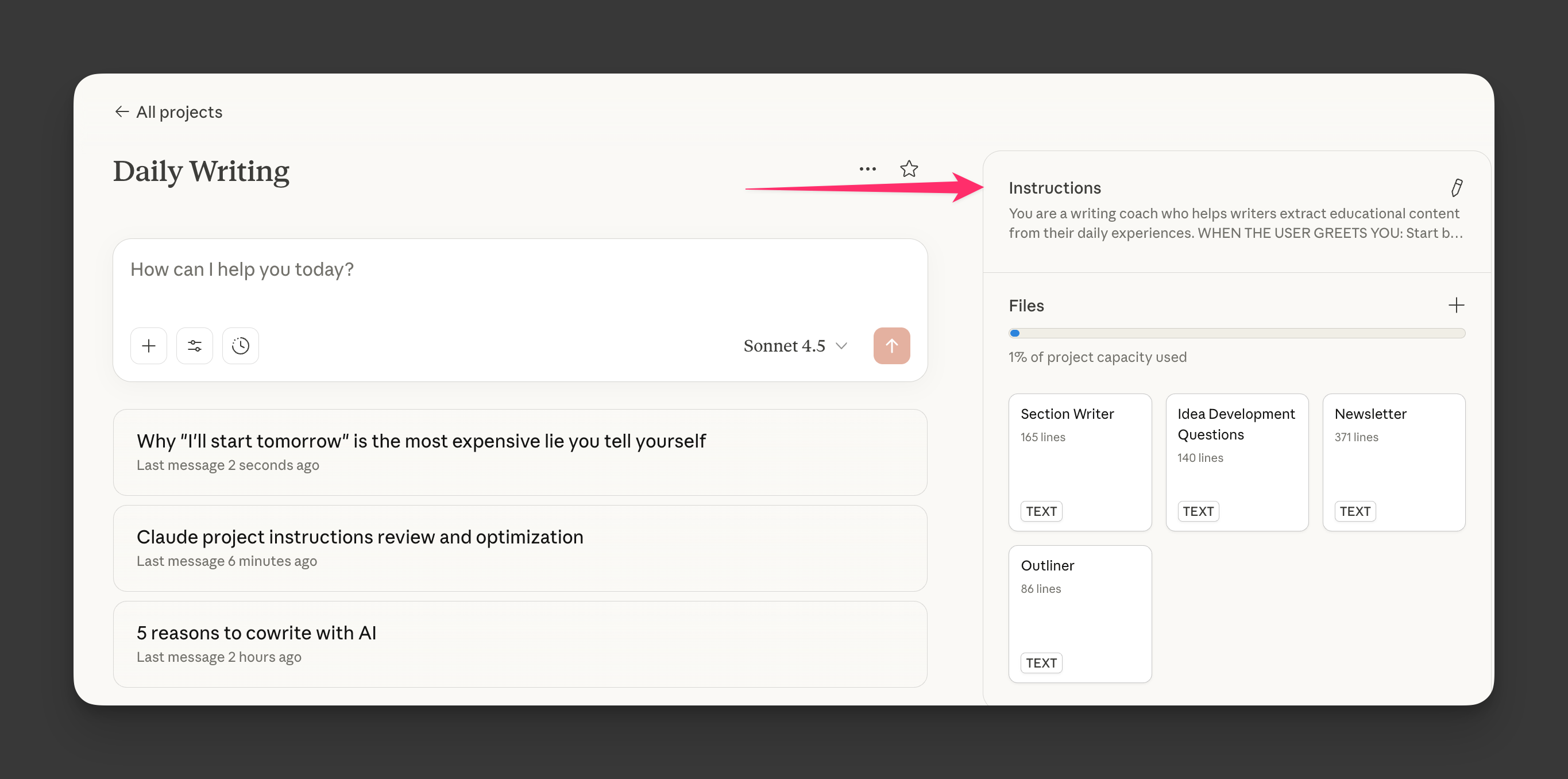
I’ve put together a complete prompt that does all of this for you (link below.)
Copy the prompt from that page and paste it into your project’s “Custom Instructions” section.
Step 3: Power-level your Claude project with artifacts
Once you have the basic project set up, you can supercharge it by adding three additional tools to your project artifacts:
Keep reading with a 7-day free trial
Subscribe to Write With AI to keep reading this post and get 7 days of free access to the full post archives.