
Design a sharp Substack logo with AI in 5 steps
Newsletter Icon Kit


Write With AI is the leading paid newsletter for ChatGPT & Claude prompts, and how to turn AI platforms into your own personal Digital Writing Assistant. If you want to stay on the cutting-edge in the new AI Economy, then you’re in the right place. New posts every Wednesday & Sunday.
When your newsletter looks nice, it tells readers you take your Substack seriously.
Design builds trust.
The problem is you can burn hundreds of hours debating fonts, hex codes, and which shade of orange goes behind your wordmark.
So today, I’m going to help you design your Substack logo without spending 10 hours pushing pixels around Canva.
So, why does a newsletter logo matter?
A newsletter logo gives your readers a visual shortcut to remember you.
When someone sees the same symbol, color, or mark over and over, their brain starts associating it with a specific source. Over time, that visual cue becomes a stand-in for you and your brand.
This matters for a few practical reasons:
It turns your publication into a branded asset
It signals that your newsletter is a “real” thing
It lets your brand travel across the internet
The problem is it’s easy to get hung up on the design.
You start thinking you need a mark that will last forever. But even the biggest companies in the world didn’t start with the logos you know today. They changed them.
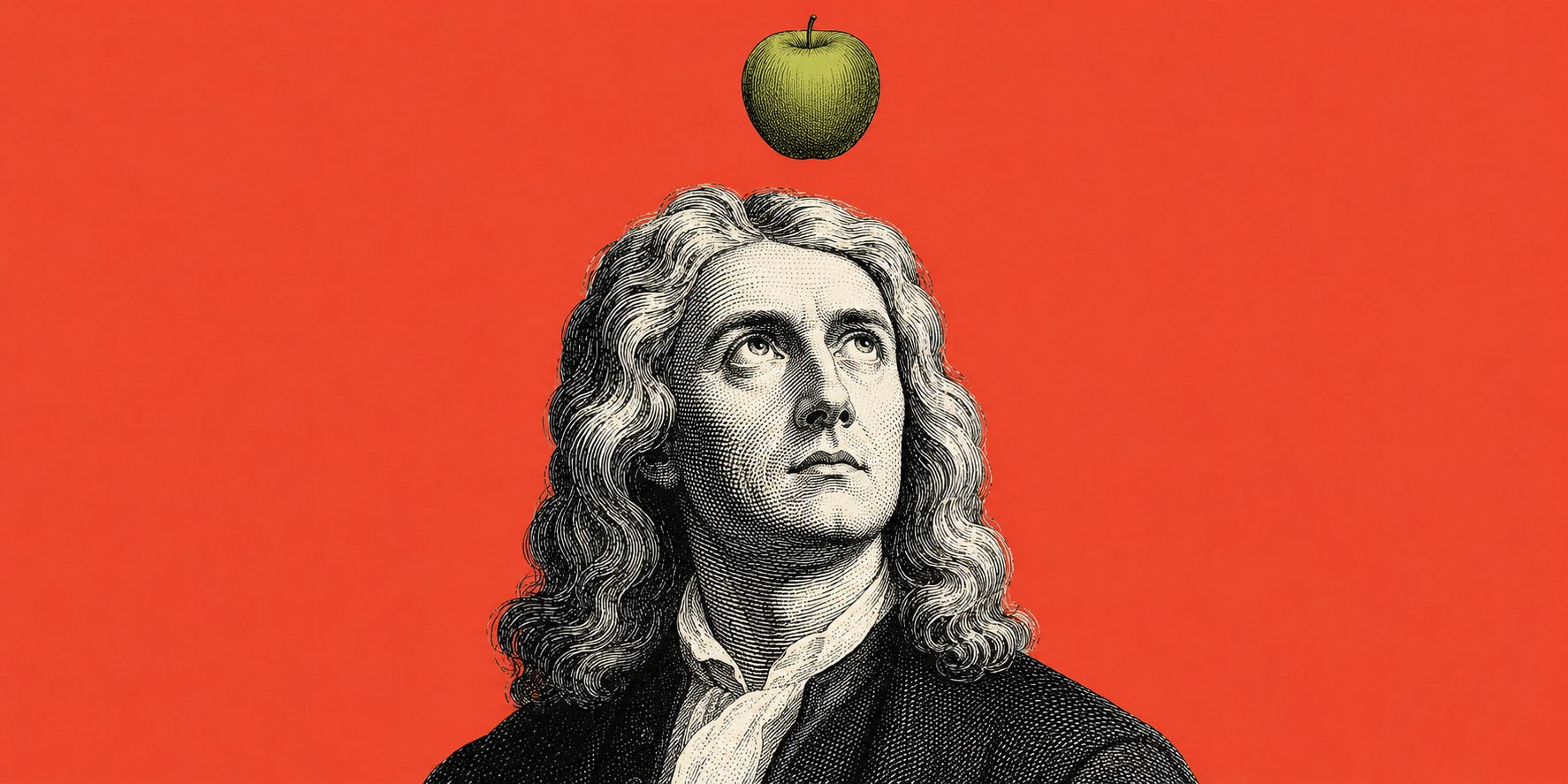
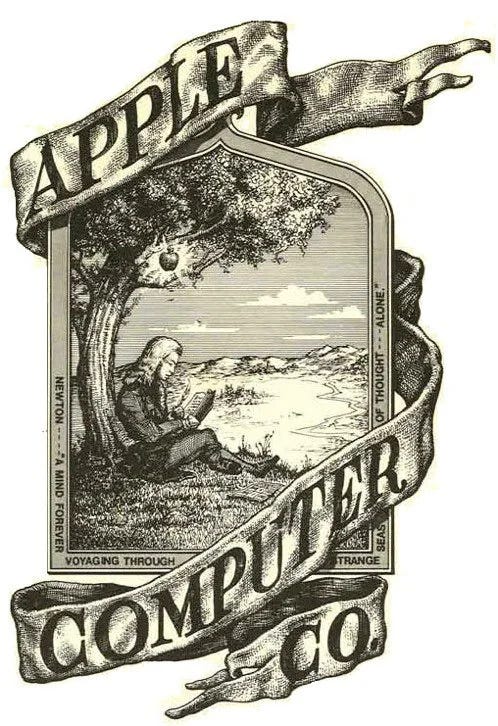
Before Apple has the “Apple” logo they used detailed illustration of Isaac Newton sitting under a tree.
How to design your Substack logo in 5 simple steps with AI
To make this decision easy, we put together a simple Substack Logo Generator for you.
All you have to do is answer 4 questions and we’ll give you a ready-to-paste prompt for Gemini or ChatGPT.
Here’s how it works:
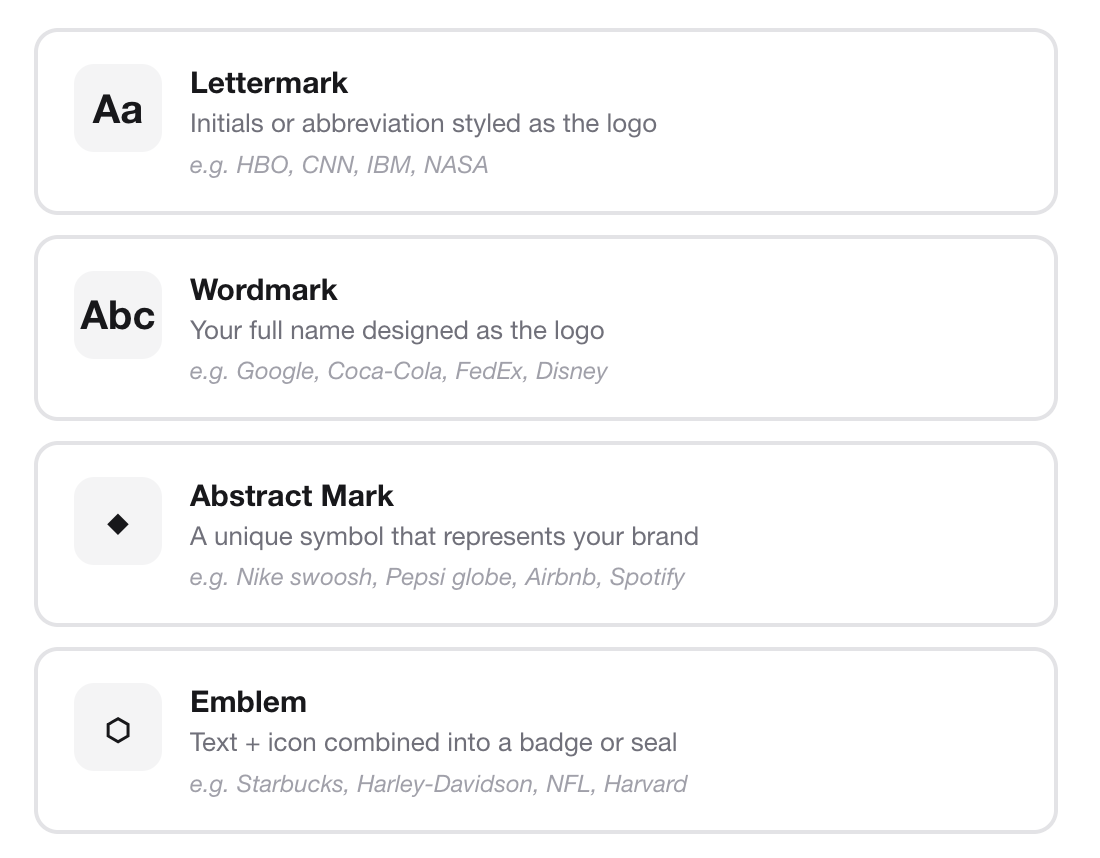
Step 1: Pick a logo type
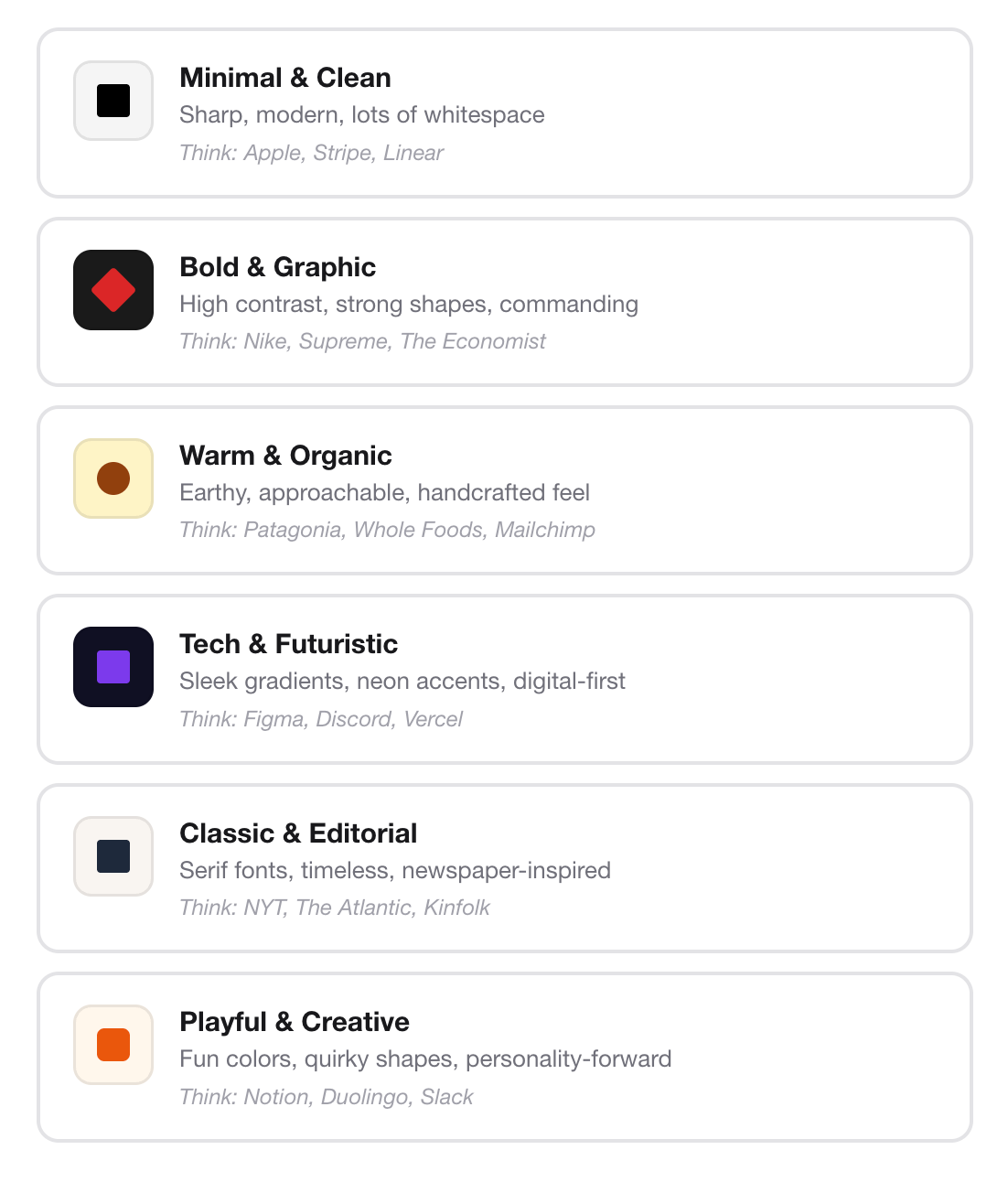
Step 2: Choose your style preference
Step 3: Select your preferred color palette
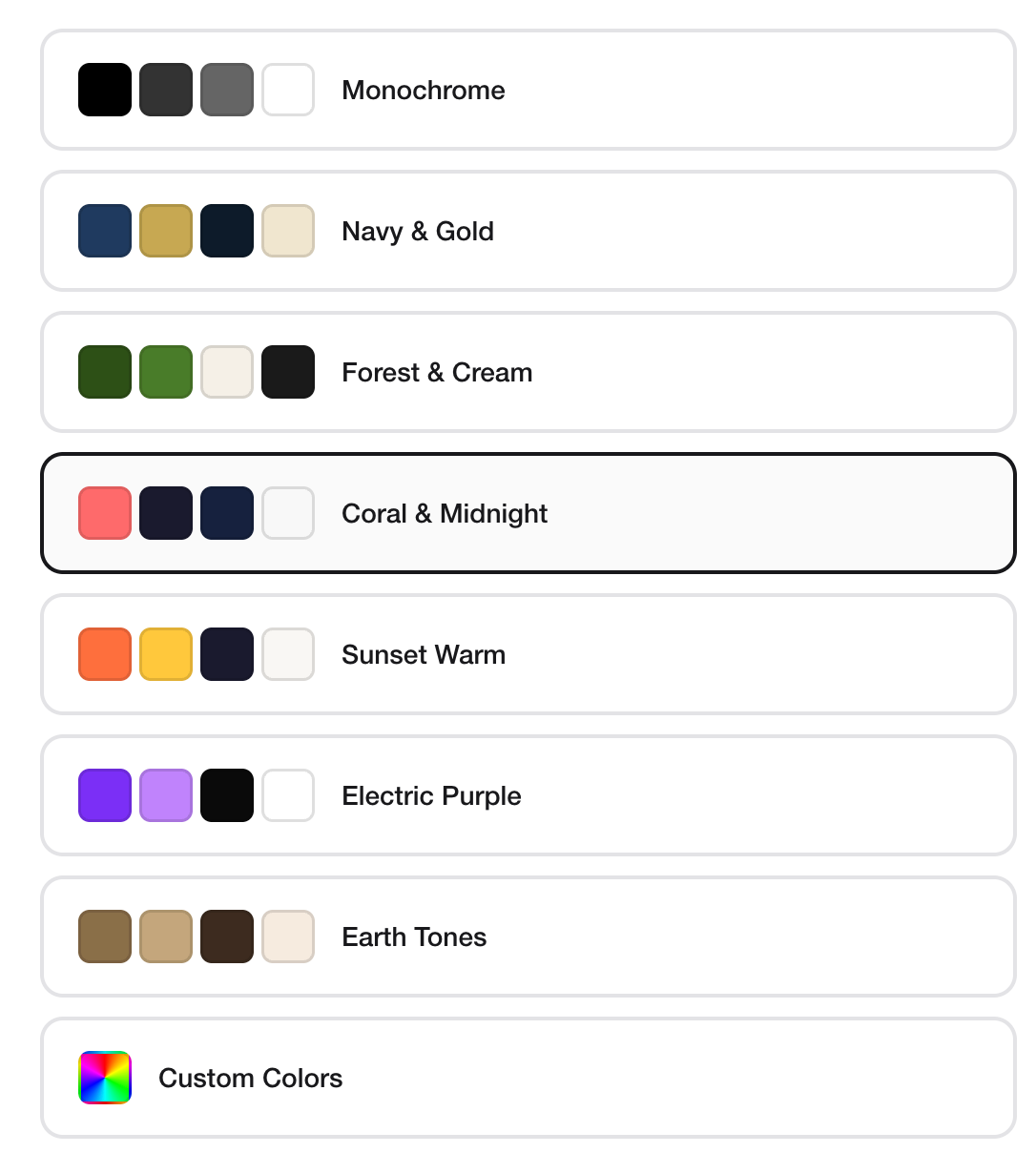
Step 4: Add your newsletter details
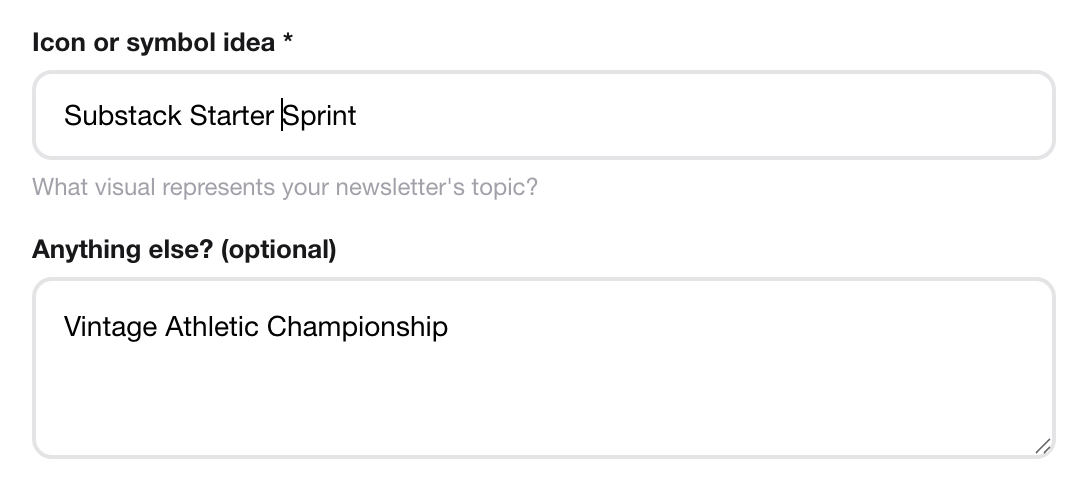
Step 5: Generate the prompt
Once you have the prompt, plug it into your favorite image generator and run it.
Here’s an example of one I generated for the Substack Starter Sprint:
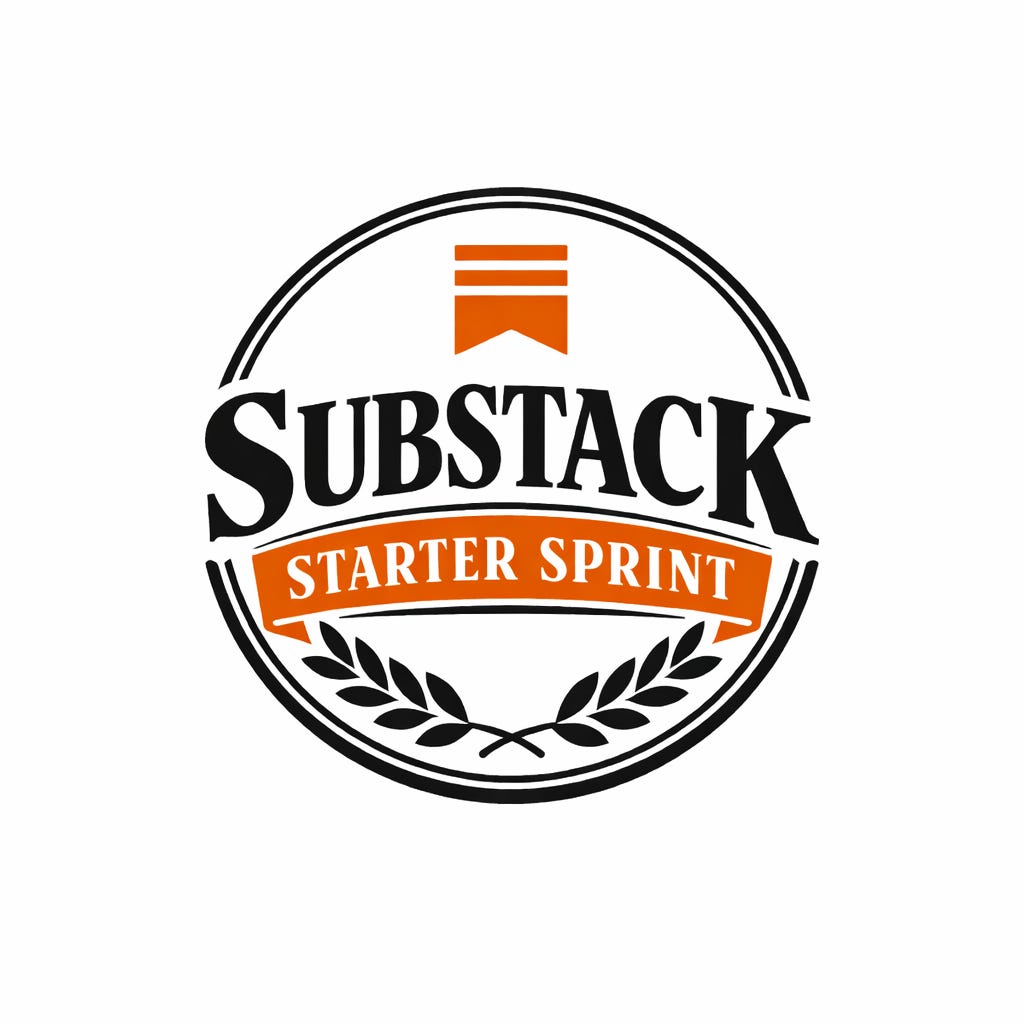
Pretty cool, right?
Try 3 or 4 different styles, pick one, upload it to your Substack, and move on.
Tip: If you like a logo but want to change the text or color, just follow up with a simple prompt telling ChatGPT or Gemini to make the change.
For example, the one above came out all black and white at first. So I followed up with:
“This looks great! But can you make the Substack logo orange and the background around ‘Starter Sprint’ orange too. Please use hex #FF6719.”
The takeaway here is your logo will evolve as your newsletter, business, and brand grows, not before. So instead of overthinking it, just get something simple and move on.
Have fun with this one.
Here’s the link:
